
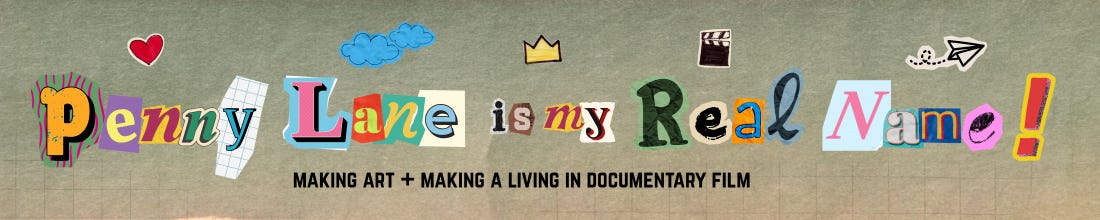
Tool Time [Penny Lane version]
3 documentary filmmaking tools I can't live without.

Last week, I wrote something that felt vaguely illegal to admit in public as a documentary filmmaker: I’m not especially interested in The Camera.
Not because it is unimportant!!! The camera is, obviously, a pretty major part of Making Documentaries. It’s just not a tool I personally reach for as I practice my craft.
This got me thinking: what are my tools?
(Ok, besides the really obvious ones, like the laptop I am typing on right now.)
Welcome to Tool Time [Penny Lane version]!
ReMarkable
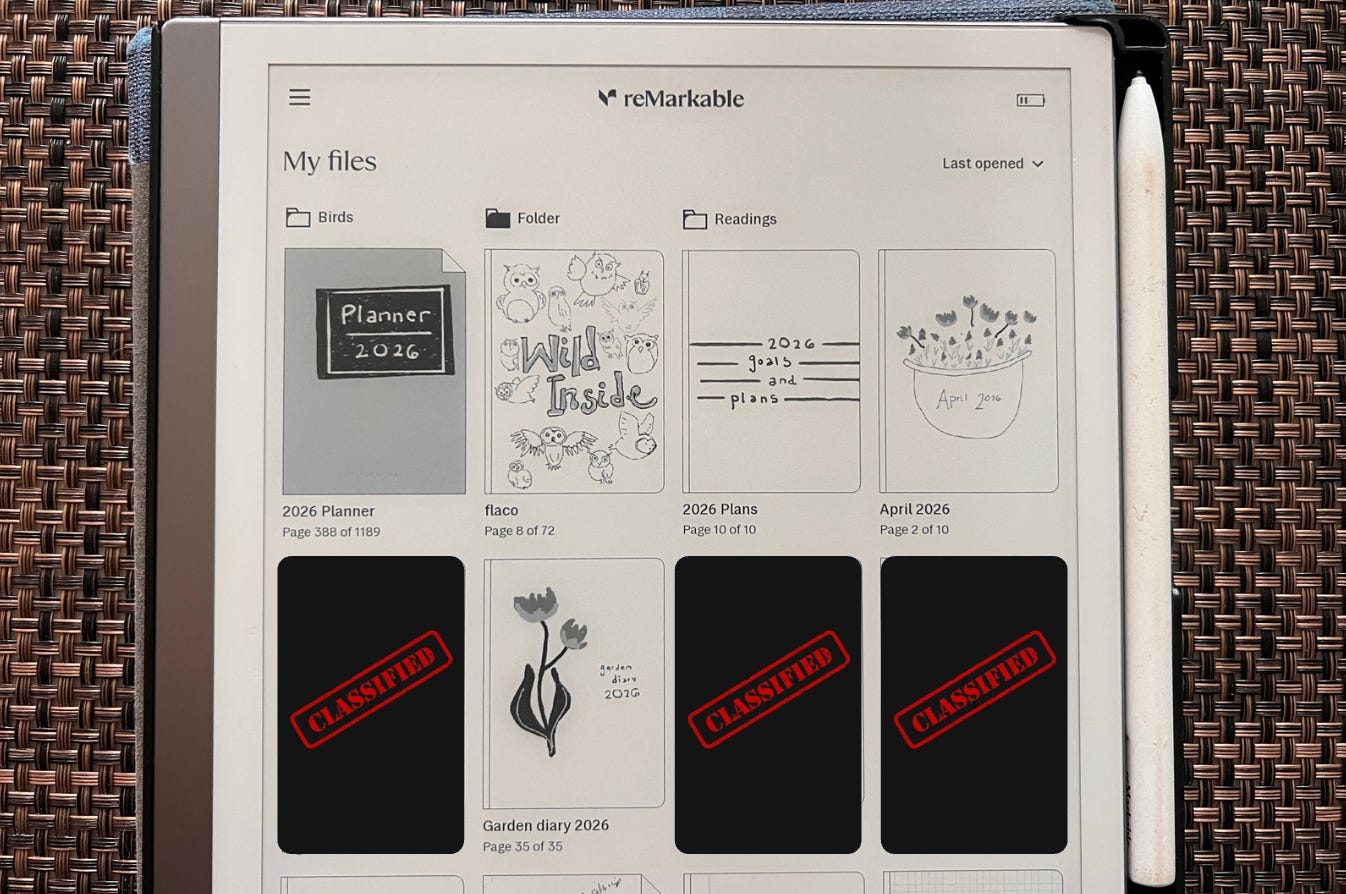
What it is: A digital notebook.
Why it’s awesome: Imagine a notebook so big it can contain all your other notebooks inside of it, but approximately the size of an iPad. I’ve had my ReMarkable since 2019 (!), I use it literally every day (!!), and I still have not reached 50% of the storage capacity (!!!).
As a devoted Notebook Person, it matters to me that it really does feel like pen on paper. It has a very satisfying little bit of grit, resistance and scratchy sound. The haptics are on point!
My ReMarkable 2 is grayscale only — there’s a color version, which I tried before immediately switching back — it doesn’t light up or make any sound, and it doesn’t go on the internet. I can read PDFs on it and mark them up. I can search the handwritten text, and I can convert any handwritten text to digital text. (Bonus: this encourages good penmanship, so that the search/convert function actually works.) It also syncs to the cloud, so I can access all my notebooks from my phone or laptop.
I do love paper notebooks and feel nostalgic for the past, when my best option was many different paper notebooks. I especially miss the physicality of these objects, stacked on the shelf after they’ve been used. However, I often found I had the wrong notebook on hand at any given moment, I was always losing them, and finally: discovering the ability to search all my notebooks at any time was a possibility… that proved just too much to resist.
Why I use it for:
(1) Every day, I journal. That’s one of my notebooks.
(2) With a template, one of my notebooks is my day planner.
(3) Each project has a notebook.
(4) Shopping lists, meeting notes, interview questions, doodles, mind maps, storyboards… anything you would use a notebook for.
Canva
What it is: A web-based graphic design platform.
Why it’s awesome: The great thing about Canva is it’s powered by drag-and-drop templates and incredibly intuitive to figure out (unlike something more geared toward professionals, like Photoshop). For those of us who need to constantly create images for all kinds of reasons, but who are neither great draughtspeople nor pro graphic designers, it is incredibly easy to search for a template for what you’re making, and then intuitively customize it.
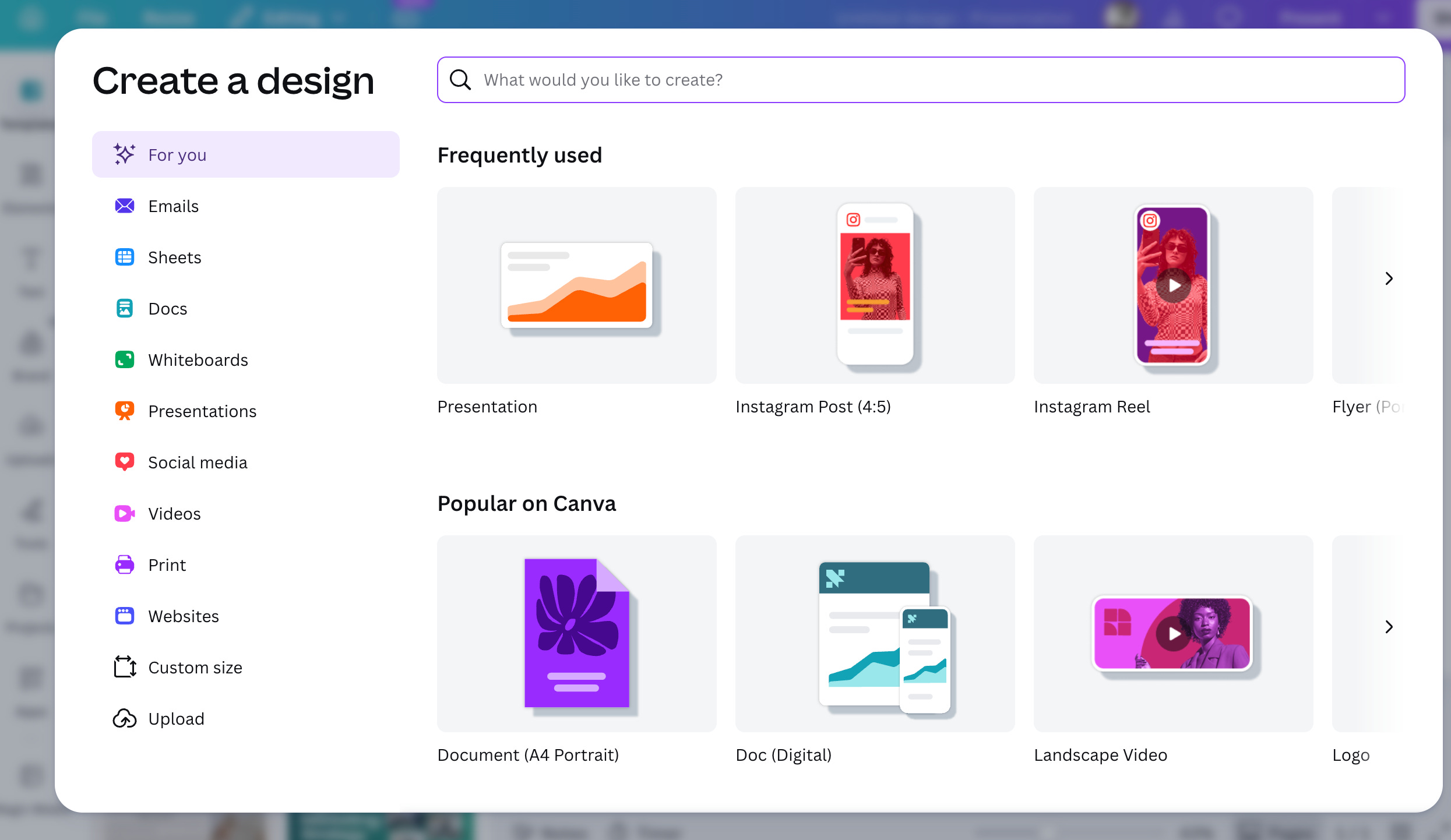
The very first thing I ever made in Canva was an “About Me” graphic for Instagram. I searched “about me IG post” in the templates, selected one that had a nice layout and some graphic elements I liked, and really in no time at all made something that felt like me, was cute, and good enough for my purposes.
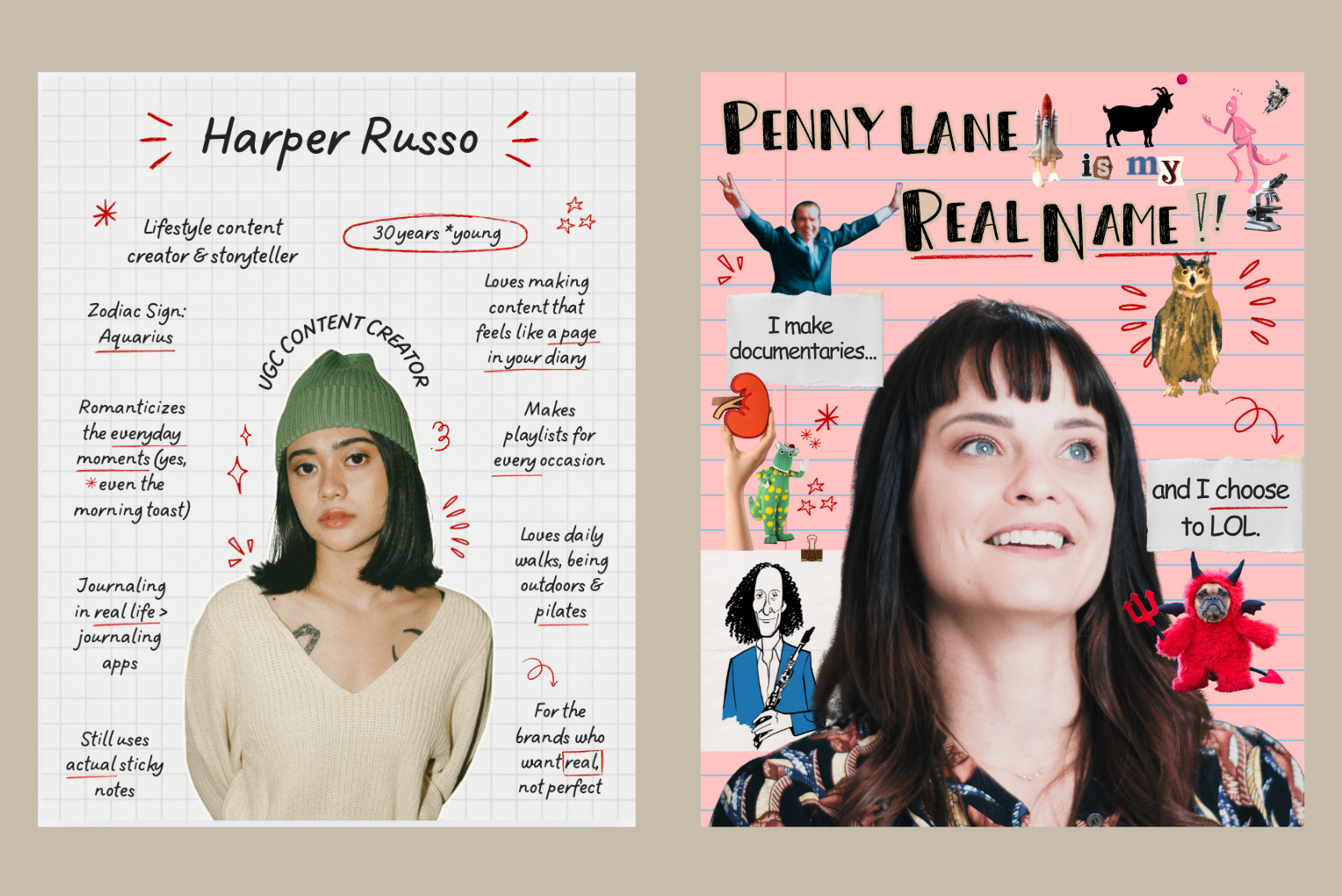
I used to use a combination of Google Slides and Photoshop for these tasks, and it took me forever to make stuff that didn’t even look good in the end. I was immediately hooked on Canva!!! I started making all kinds of social content, like the email header in this very newsletter.
But when I realized I could make slide shows and decks… that’s when it really became part of my daily life. I need to communicate visually, and frequently. I need this to be easy.
I am only 50% kidding when I say I really believe my Canva skills — which aren’t even that good yet — got me more than one job this year.
Why I use it for:
(1) Pitch decks, slideshows, visual presentations of all kinds
(2) Social media images
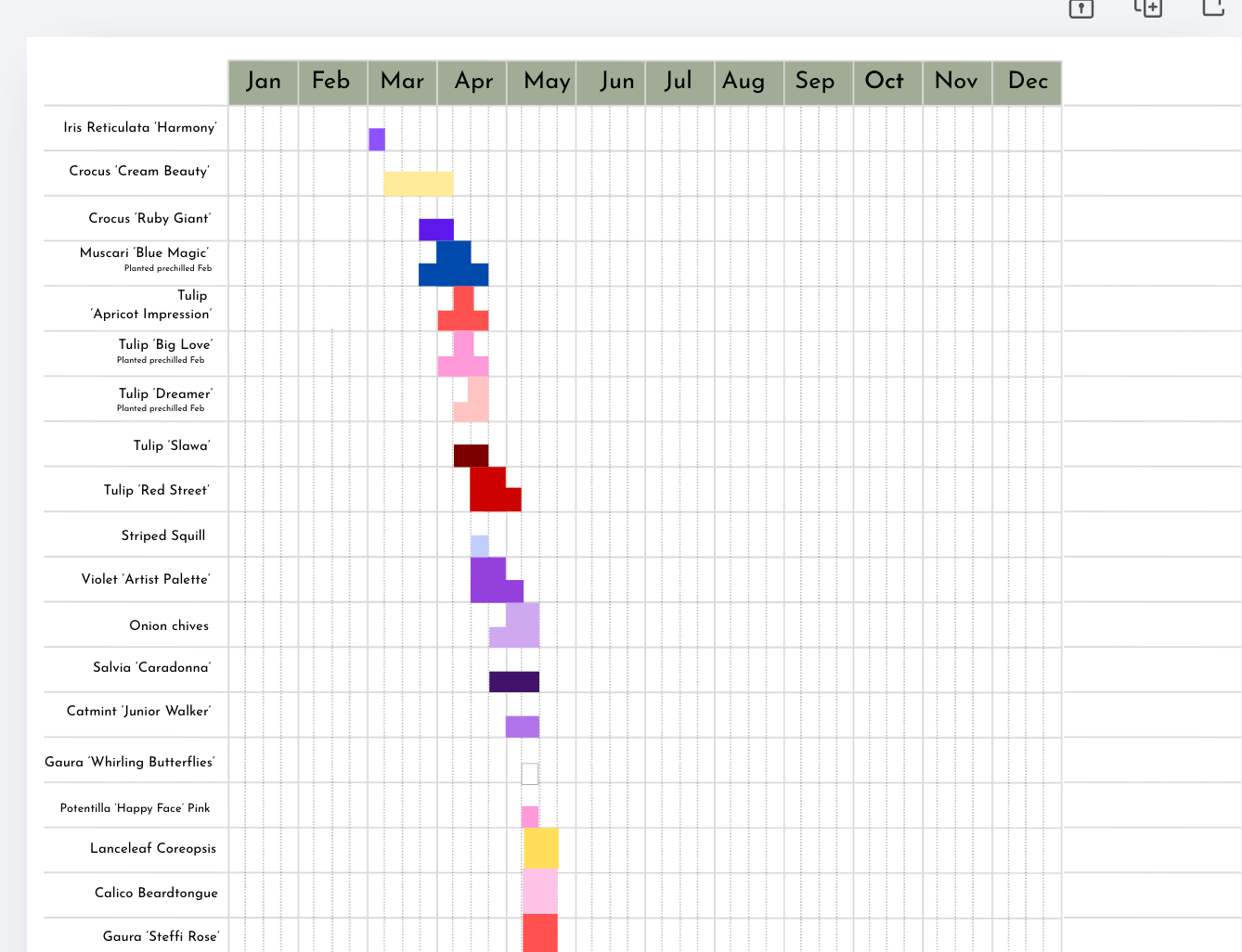
(3) Garden design — yes, I now have a 38-page presentation of my garden beds as seen in all 4 seasons, including this psychotic bloom sequence chart:
Trello
What it is: A task-management platform.
Why it’s awesome: Trello is like a sophisticated to-do list and resource library, but optimized for teams. (There are a bunch of other platforms like this, i.e., Asana and Monday. I haven’t tried any of them, I’m sure they do similar things.) The basic organizing unit of Trello is the board.
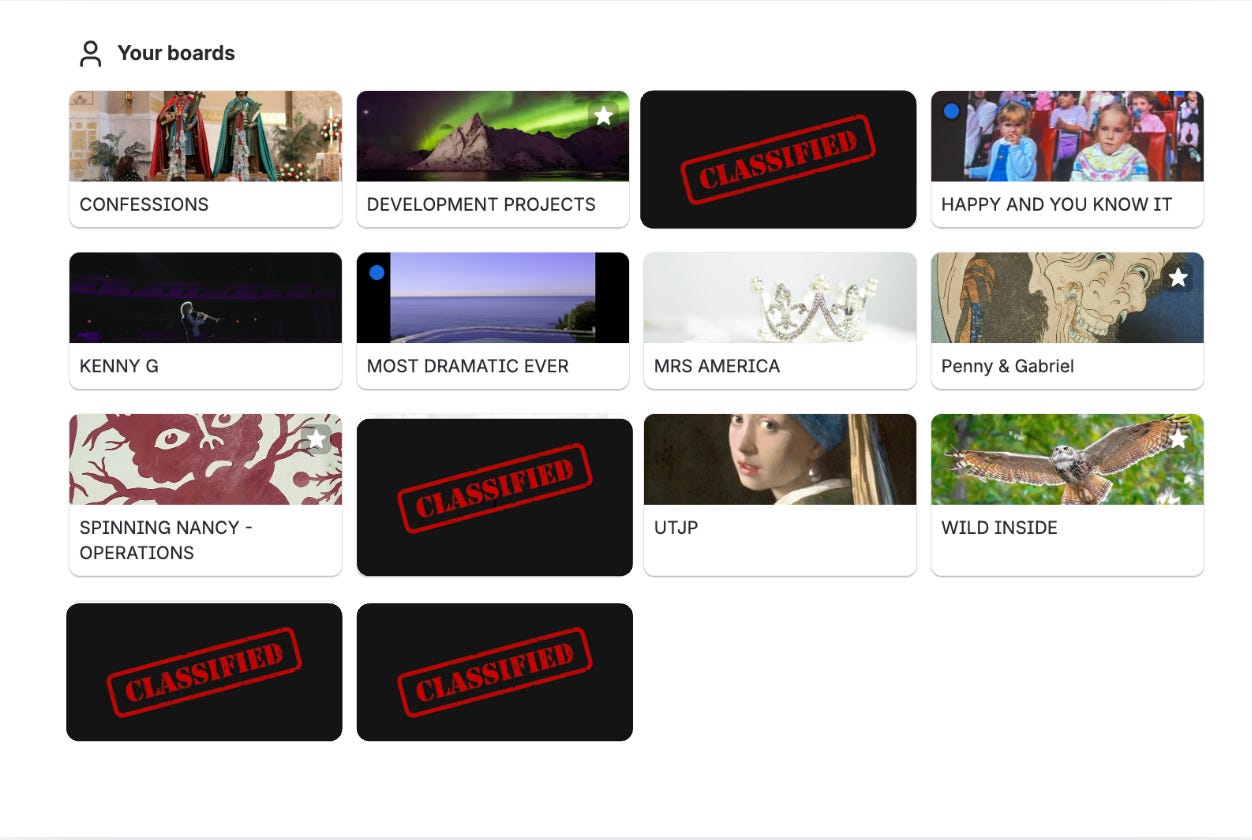
Each board contains tasks, which are assigned to specific people, and given due dates.
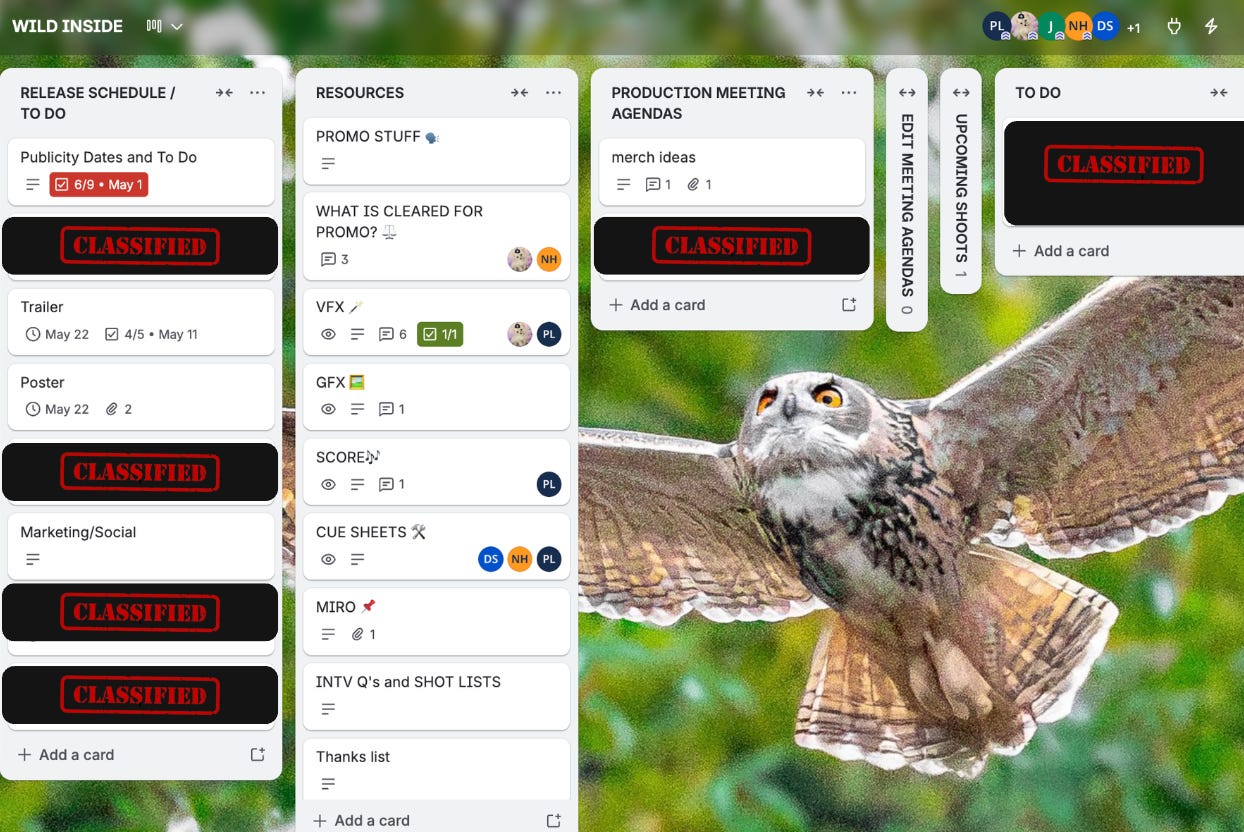
Filmmaking is a massively collaborative enterprise. I need a way to systematically organize team projects. We need to communicate asynchronously and constantly, but without 10,000 pings constantly destroying everyone’s fragile focus. (A simpler way to explain the purpose of Trello is that I am trying to prevent my email inbox from ruling my entire life.)
Trello allowed us to create one place we can all go to find out what is happening, when, and who is responsible for making sure it happens. What is the DCP deadline again? Who is calling the insurance company? Who is uploading the file?
It’s also a library, sharing the locations to all our shared resources. Where is that shoot plan? Where is the latest budget? Where is that folder with the reference pics? Where are Penny’s shot lists? The answer is always on Trello! For any fellow past or present professors out there: this is said in the same tone as, “The answer is on the syllabus.”
Committing to this type of system has its own annoyances, of course, but it becomes really, truly, extra important on long-term projects with stop-and-start schedules —inevitably leading to collective amnesia about where we all left off last time we had any funding to work on this project.
Why I use it for:
(1) To do lists.
(2) Meeting agendas. Instead of emailing my collaborators every stray thought I have at every random hour, I can make an agenda item to discuss at our next scheduled meeting! Fewer convoluted email chains.
(3) Resource libraries.
My favourite app of all is “egg timer”. It has an egg spy which is charming and surprisingly effective
ah firstly appreciation for "tool time" 💯
I've tried various digital notebooks over the years and love the idea that it can connect to the digital world I occupy but I always lose steam, it never quite works for me. When there's time I will give Remarkable a shot! I do oscillate from apple Notes App and Evernote.
Still rocking notebooks. A small one I carry round everywhere that's to dos and spur of the moment note taking. A work notebook that's proper size and I do love being able to track back and look at old notes to reference. and then a personal notebook where all non work things go into. I use mostly Midori notebooks.
Miro app for visually thinking through projects and ideas. Also perfect for storyboarding and laying out act structure. really works well for remote editing collaboration.
we use heavily Google Sheets (and docs now that they have tabs). there's one SINGLE sheet that is the hub for a film and everything has to be found either on that sheet or has a link out. If it's not on that sheet it will disappear! Transcripts, Archival & music cue sheets, archival logs, to do tracking, research, participate info/research, everything lives here.
I prefer dropbox to google drive.
Whatsapp groups.